
How to Choose a Digital Signage CMS: 7 Things to Look For
Choosing the right Digital Signage Content Management System is pivotal for Australian businesses aiming to maximise their visual communication impact. This guide explores seven essential considerations to help you make an informed decision.

Choosing the right digital signage Content Management System (CMS) is a critical decision for Australian businesses seeking to enhance their visual communication and customer engagement. A digital signage CMS is software that enables the creation, scheduling, deployment, and management of content across one or multiple digital displays. Selecting an appropriate CMS means ensuring your digital signage network operates efficiently, remains flexible, and delivers measurable business outcomes. In this guide, we explore seven essential factors to consider when choosing a digital signage CMS, drawing on the expertise of onQ Digital Group, a leading provider of digital signage solutions, LED displays, and content management services.
Cloud vs. On-Premise Deployment
The first consideration when selecting a digital signage CMS is the deployment model: cloud-based or on-premise. Cloud-based CMS platforms have become increasingly popular due to their flexibility and scalability. They are hosted on remote servers and accessed via the internet, allowing content managers to update and control screens from any location with an internet connection. This is particularly advantageous for businesses with multiple sites across Australia, such as retail chains or corporate offices, where rapid content deployment and real-time updates are essential.
Cloud solutions reduce the need for extensive internal IT infrastructure and maintenance, lowering upfront costs and enabling faster rollouts. For example, onQ CMS provides a secure cloud platform that supports multi-site content management and real-time monitoring, ideal for retail media campaigns or dynamic corporate communications.
On the other hand, on-premise CMS deployments involve hosting the software on local servers within the organisation’s network. This approach offers maximum control over data security and customisation, which may be vital for sectors with strict compliance requirements, such as automotive or corporate environments. However, on-premise solutions typically require higher initial investment in hardware and IT resources to maintain the system, and updates may be less frequent or more complex to implement.
When deciding between cloud and on-premise, businesses should assess their IT capabilities, security policies, budget, and the scale of their digital signage network. onQ Digital Group supports both deployment models, advising clients on the best fit based on their operational needs and strategic goals.
Content Scheduling and Dayparting
A powerful digital signage CMS must offer robust content scheduling features, including dayparting, to maximise the relevance and impact of displayed messages. Content scheduling refers to the ability to define specific time slots when particular content plays, while dayparting allows for segmenting the day into distinct periods with tailored content for each.
For instance, a Sydney-based retail store might use dayparting to promote breakfast menu items during morning hours, switch to lunch specials at midday, and feature evening deals after 5 pm. This ensures that the messaging is contextually appropriate, increasing customer engagement and driving sales. Similarly, corporate environments can schedule internal communications or safety messages during shift changes or breaks.
onQ CMS includes intuitive scheduling tools that allow content managers to easily create and automate playlists based on time, date, and location. This flexibility reduces the need for manual updates and ensures content remains fresh and targeted. Additionally, the CMS supports exceptions and overrides, enabling quick responses to unplanned events or promotions.
Multi-Site Management
For businesses operating across multiple Australian locations, centralised multi-site management is crucial. A digital signage CMS should provide a unified dashboard where administrators can deploy, monitor, and update content across all screens efficiently. This capability saves time, reduces errors, and maintains brand consistency.
Effective multi-site management includes features such as grouping screens by store, region, or purpose, and the ability to push content updates simultaneously or selectively. Real-time status alerts for connectivity or playback issues help technical teams resolve problems swiftly, minimising downtime.
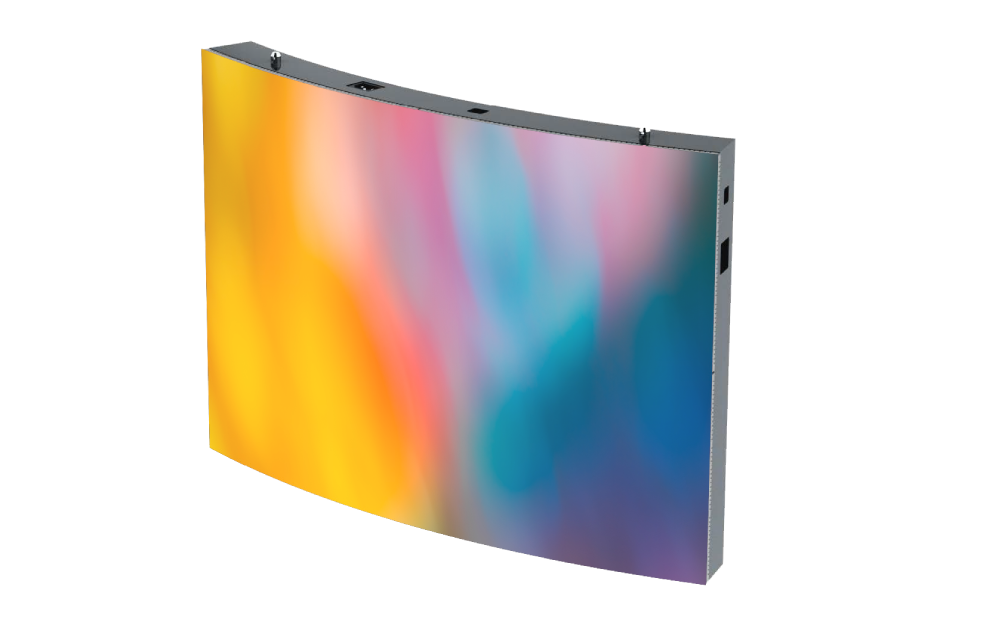
onQ Digital Group’s expertise in deploying digital signage networks across retail, corporate, and automotive sectors means their onQ CMS is designed to handle complex multi-site ecosystems. Whether managing LED video walls in flagship stores or freestanding LED signage in smaller outlets, the platform ensures seamless control and visibility.
User Permissions and Workflow
Security and brand integrity are paramount when managing digital signage content. A sophisticated CMS should offer granular user permissions, allowing administrators to assign specific roles and responsibilities to team members. This ensures that only authorised personnel can create, edit, approve, or publish content.
Content approval workflows are another essential feature, especially for organisations that must comply with strict advertising standards or internal brand guidelines. For example, in sectors like retail or automotive, where promotional content must meet regulatory requirements, having a formal review and approval process helps avoid costly compliance breaches.
onQ CMS incorporates role-based access control and customised workflows, enabling businesses to enforce editorial standards and maintain quality control. This structured approach streamlines collaboration between marketing, compliance, and operations teams, ensuring that all published content aligns with strategic objectives.
Hardware Compatibility
Another critical factor in choosing a digital signage CMS is hardware compatibility. The CMS should support a broad range of media players and display technologies to protect your investment and provide flexibility in deployment.
Common hardware platforms include Android, Windows, and Linux-based media players, as well as System-on-Chip (SoC) displays that integrate the player directly into the screen. Each has its advantages and limitations in terms of performance, cost, and maintenance.
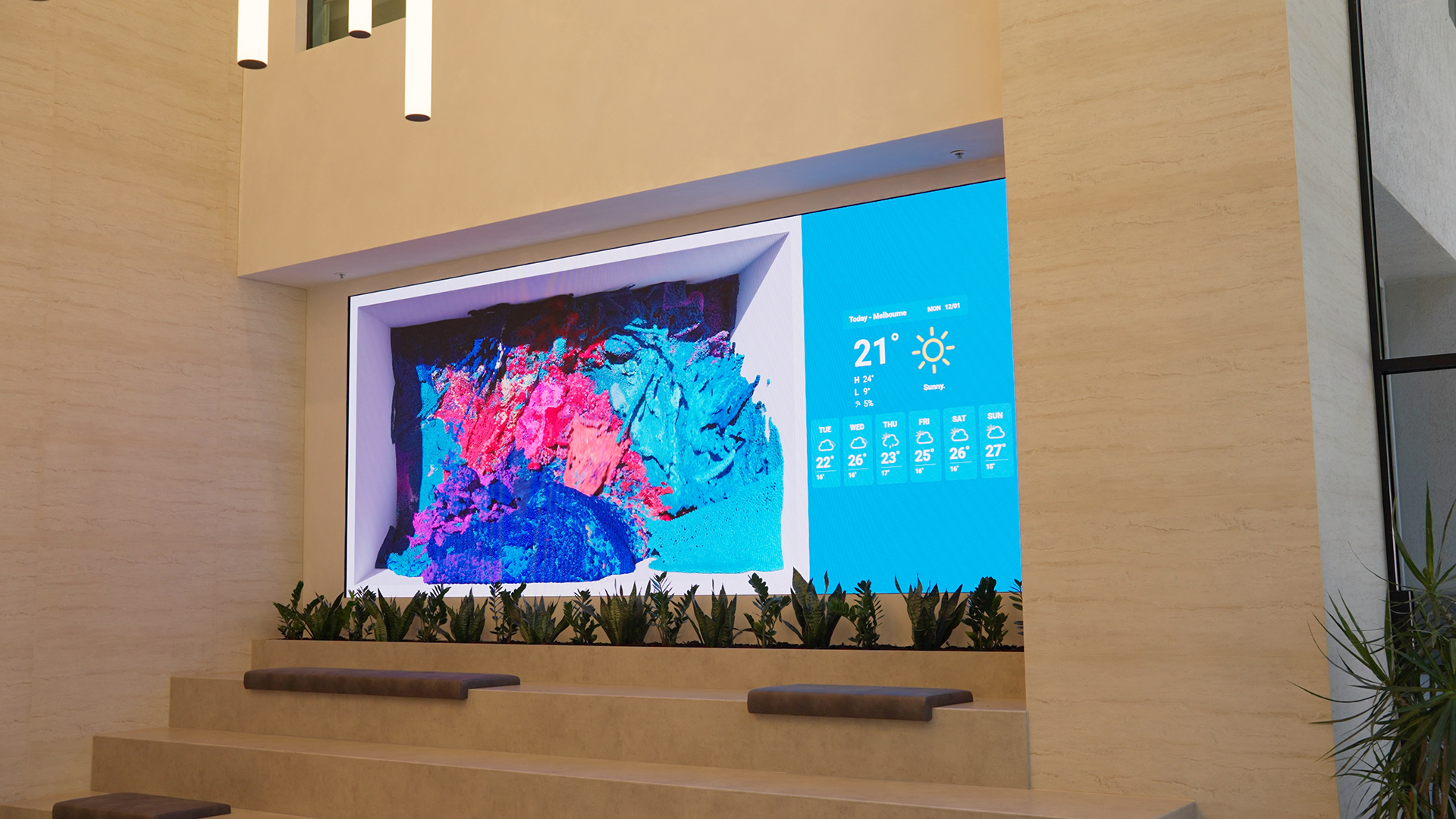
Before committing to a CMS, verify its compatibility with your existing infrastructure. This avoids costly integration challenges and ensures smooth operation. onQ Digital Group’s solutions are designed to work seamlessly with diverse hardware, including cutting-edge LED signage such as LED video walls, outdoor LED billboards, transparent LED displays, and freestanding LED units.
For example, onQ’s LED MIP technology integrates with the CMS to deliver vibrant, high-resolution content with reliable playback, optimised for both indoor retail environments and large-scale outdoor advertising.
Analytics and Reporting
Data-driven decision-making is essential for maximising the return on investment (ROI) from digital signage networks. A comprehensive CMS should provide detailed analytics and reporting capabilities, giving businesses insights into content performance, audience engagement, and operational metrics.
Analytics may include metrics such as content playback duration, screen uptime, audience demographics (where applicable), and correlations between displayed content and sales uplift. These insights allow marketing teams to refine their strategies, optimise content scheduling, and justify signage investments.
onQ CMS offers customisable dashboards and exportable reports that present data in clear, actionable formats. Whether managing retail media campaigns for brands like David Jones or coordinating communication across corporate sites, these analytics tools help stakeholders measure effectiveness and identify opportunities for improvement.
API Integrations and Support
Modern digital signage networks benefit greatly from dynamic content updates driven by external data sources. API integrations enable the CMS to connect with point-of-sale (POS) systems, inventory management platforms, weather feeds, or social media channels to deliver real-time, contextually relevant content.
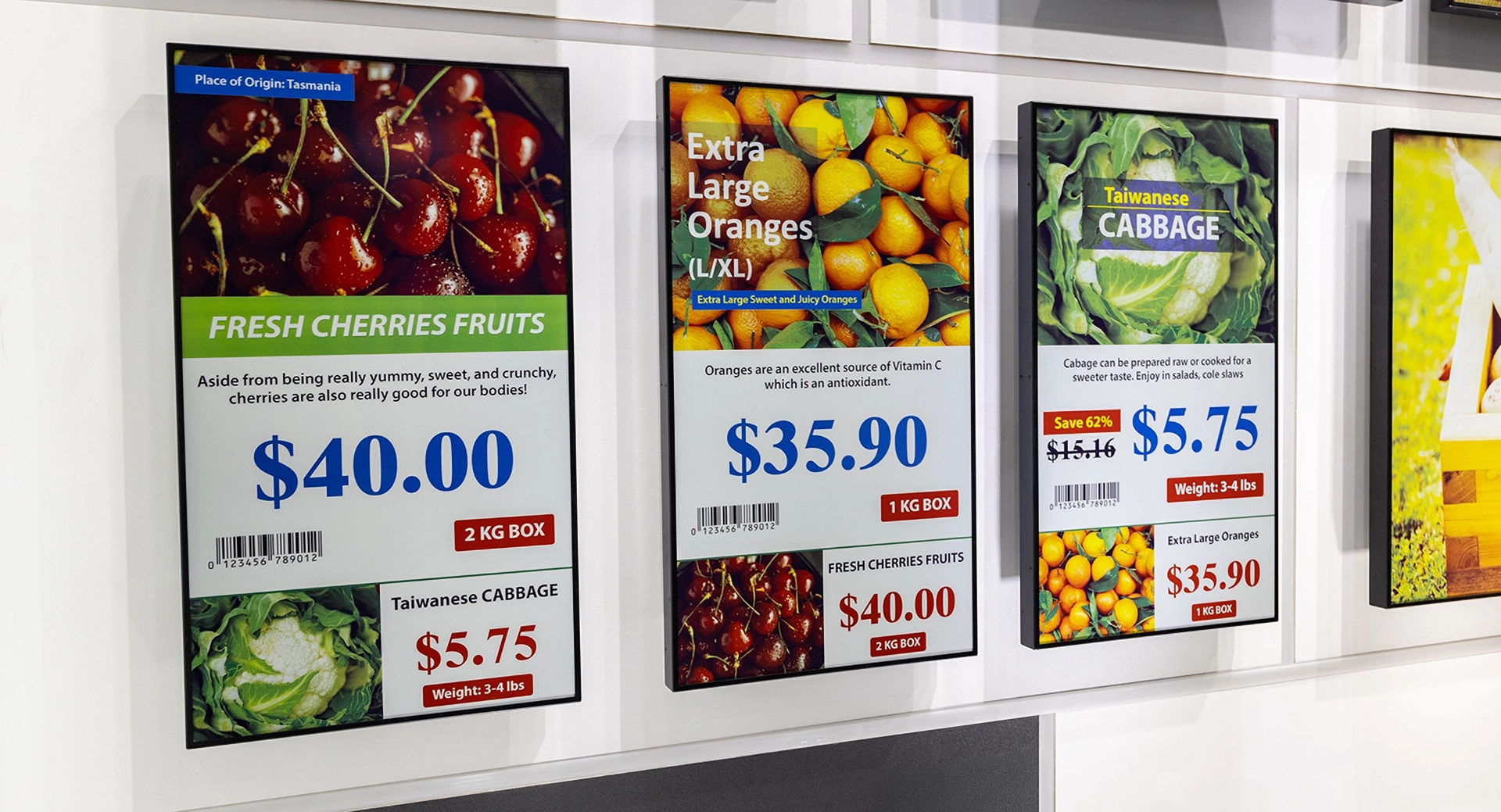
For example, integrating with a POS system can allow a retail store to display current pricing or stock availability instantly, enhancing the customer experience and operational efficiency. Similarly, weather-triggered content can tailor promotions based on local conditions.
When selecting a CMS, ensure it supports open APIs and can integrate smoothly with your existing software ecosystem. Equally important is vendor support, particularly with Australian-friendly service hours and responsive technical assistance. onQ Digital Group prides itself on providing comprehensive support and customised integration services, ensuring that your digital signage network remains optimised and responsive to your business needs.
Frequently Asked Questions

What is the difference between cloud-based and on-premise digital signage CMS?
Cloud-based CMS platforms are hosted remotely and accessed via the internet, offering flexibility, scalability, and easier maintenance. On-premise CMS is installed locally on company servers, providing greater control and security but requiring more IT resources and upfront investment. The choice depends on your organisation’s security requirements, budget, and operational preferences.
How does dayparting improve digital signage effectiveness?
Dayparting allows businesses to schedule specific content for different times of the day, ensuring that messages are relevant to the audience at that moment. For example, a retail store can promote breakfast deals in the morning and switch to dinner specials in the evening, increasing customer engagement and sales opportunities.

Why is multi-site management important for Australian businesses?
Multi-site management enables centralised control of digital signage across multiple locations, which is essential for maintaining brand consistency, streamlining content updates, and monitoring system health. It is especially valuable for retail chains, corporate offices, and automotive dealerships operating nationwide.
What hardware should I consider for my digital signage network?
Select hardware that is compatible with your chosen CMS and suitable for your environment. Consider factors like screen size, resolution, indoor or outdoor use, and media player operating systems. onQ Digital Group offers a wide range of LED signage options, including LED video walls and freestanding displays, compatible with onQ CMS.
How can analytics help optimise my digital signage content?
Analytics provide data on how content performs, audience interactions, and operational uptime. This information helps businesses understand what works, adjust messaging strategies, and demonstrate the return on investment. onQ CMS features robust reporting tools to support these insights.
Contact onQ Digital Group for Expert Digital Signage Advice
Choosing the right digital signage CMS is fundamental to unlocking the full potential of your visual communication strategy. Whether you operate in retail, corporate, or automotive sectors, partnering with an experienced provider like onQ Digital Group ensures you receive tailored advice, reliable technology, and ongoing support to meet your unique requirements.
With expertise spanning digital signage software, LED signage solutions, and network optimisation, onQ Digital Group can guide you through every stage — from initial strategy and hardware selection to content management and analytics. Contact onQ Digital Group today to discuss your project and discover how the onQ CMS and LED display technologies can elevate your brand presence and customer engagement.
Enjoy our insights? Add onQ Digital as a preferred source on Google to see more of our content in your search results.

Ready to start a conversation?
Speak with our team about digital signage, CMS software, or retail media infrastructure. We’ll help you scope, design, and deploy the right solution.

Digital signage, CMS software, retail media platforms, analytics, and managed services across Australia.
© 2026 onQ Digital. All rights reserved. Website by D&n