
Transparent LED Brisbane

Introduction
Commercial Transparent LED Solutions Across Brisbane
Transparent LED technology is rapidly transforming commercial storefront environments across Brisbane.
Businesses throughout Brisbane increasingly use transparent LED systems for:
- Retail storefront advertising
- Shopping centre communication
- Automotive showroom displays
- Retail media advertising
- Brand storytelling
- Experiential customer engagement
- Commercial property communication
- Premium digital signage environments
Transparent LED technology allows businesses to display dynamic digital content while still maintaining visibility through glass surfaces.
This creates unique opportunities for:
- Modern storefront communication
- Retail media monetisation
- Premium architectural integration
- Immersive customer engagement
Transparent LED environments are now increasingly deployed across:
- Retail stores
- Shopping centres
- Automotive dealerships
- Commercial office towers
- Hospitality venues
- Experience centres
- Luxury retail environments
As Brisbane businesses continue investing in premium customer experiences and omnichannel communication environments, transparent LED technology is becoming one of the fastest-growing digital signage categories across Australia.
Transparent LED is no longer simply a novelty display technology.
It is increasingly functioning as:
- Retail media infrastructure
- Storefront advertising infrastructure
- Audience engagement technology
- Architectural communication infrastructure
- Premium brand presentation systems
Modern businesses increasingly require digital communication environments that combine visual impact with architectural openness.
What is Transparent LED?
Transparent LED is a display technology designed specifically for glass surfaces.
Unlike traditional LCD or LED displays, transparent LED systems allow businesses to:
- Maintain visibility through glass
- Preserve natural light
- Deliver dynamic digital communication
- Create immersive storefront experiences
Transparent LED environments increasingly support:
- Promotional campaigns
- Retail media advertising
- Product launches
- Brand storytelling
- Dynamic customer engagement
Transparent LED technology combines:
- Digital communication
- Architectural integration
- Advertising capability
- Premium visual presentation
within a single environment.
Why Brisbane Businesses Use Transparent LED
Businesses across Brisbane increasingly invest in transparent LED because it provides:
- Premium visual impact
- Storefront visibility
- Strong customer engagement
- Architectural integration
- Retail media capability
- Modern brand presentation
Transparent LED allows businesses to:
- Modernise storefront environments
- Deliver immersive campaigns
- Improve customer attention
- Support omnichannel advertising
- Monetise storefront glass
- Maintain open architectural design
As physical retail and commercial environments become increasingly experience-driven, transparent LED infrastructure is becoming a major competitive differentiator.
Transparent LED for Retail Storefronts
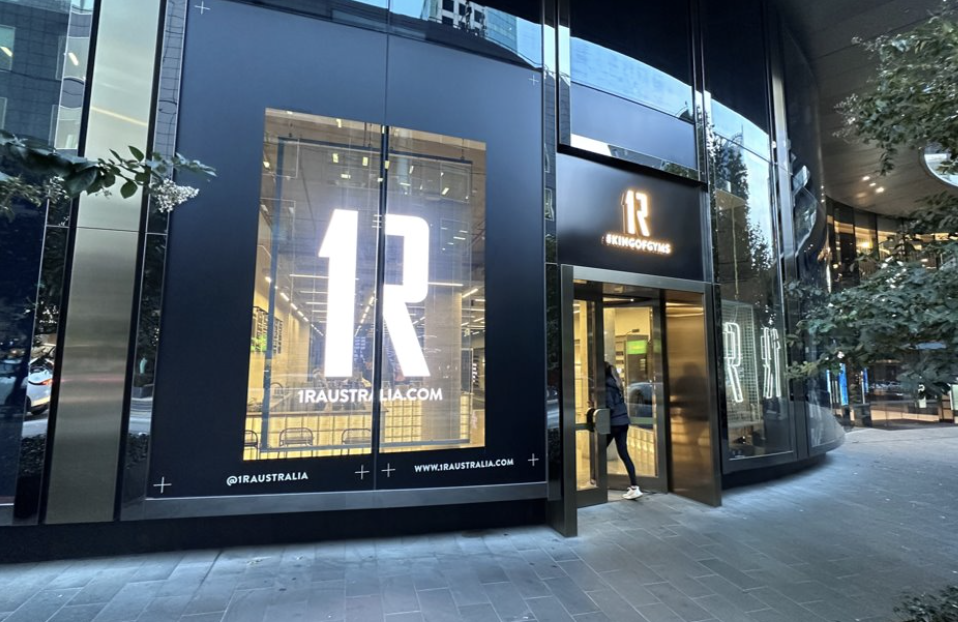
Retail storefronts are one of the largest growth applications for transparent LED technology across Brisbane.
Retailers increasingly deploy transparent LED for:
- Window advertising
- Product launches
- Seasonal campaigns
- Retail media advertising
- Experiential retail
- Brand storytelling
Transparent LED allows retailers to transform storefront glass into dynamic communication infrastructure without blocking visibility into the physical store.
This creates significantly stronger customer engagement opportunities compared to traditional static signage.
Retailers increasingly use transparent LED storefronts as monetisable advertising inventory.
Transparent LED for Shopping Centres
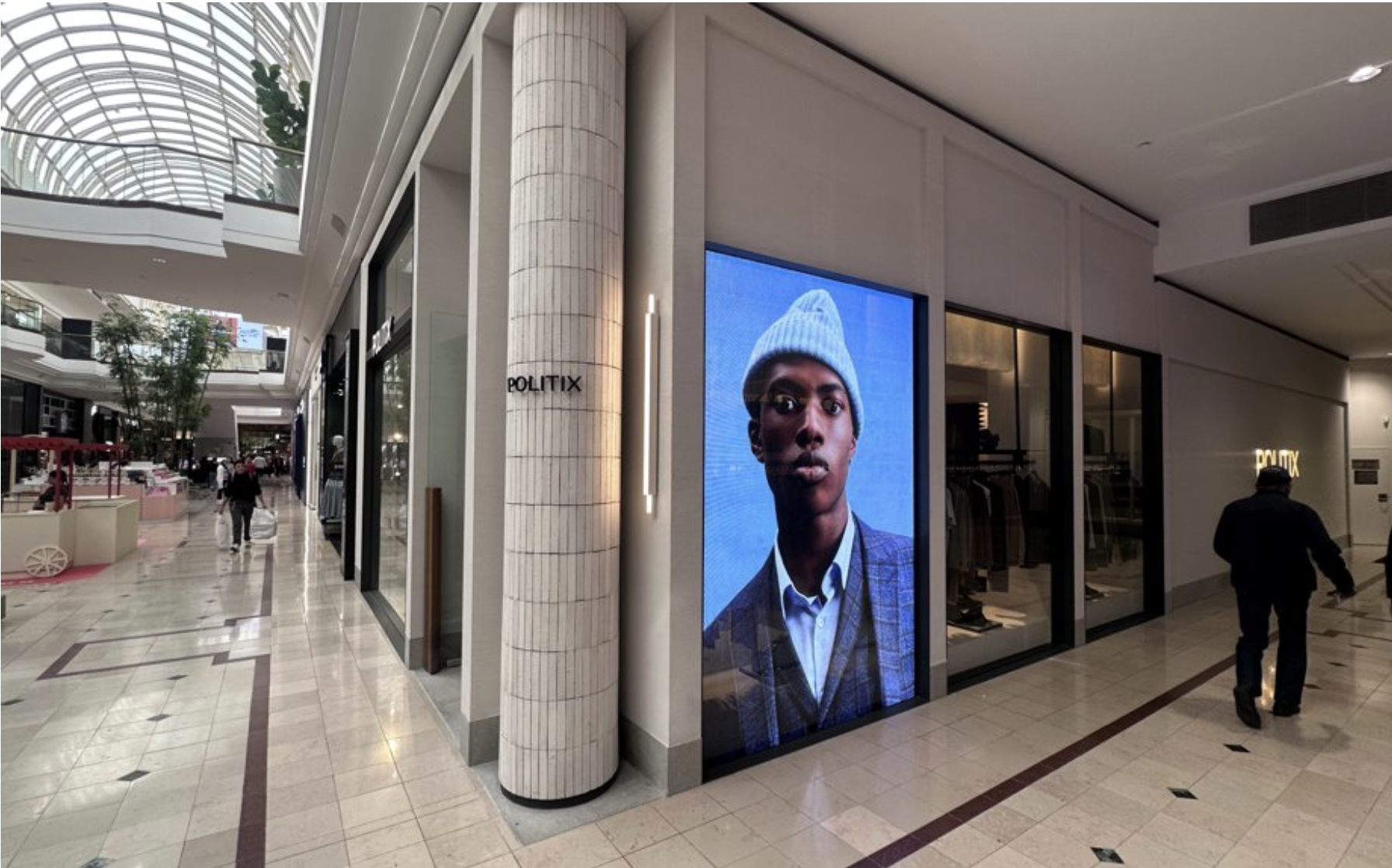
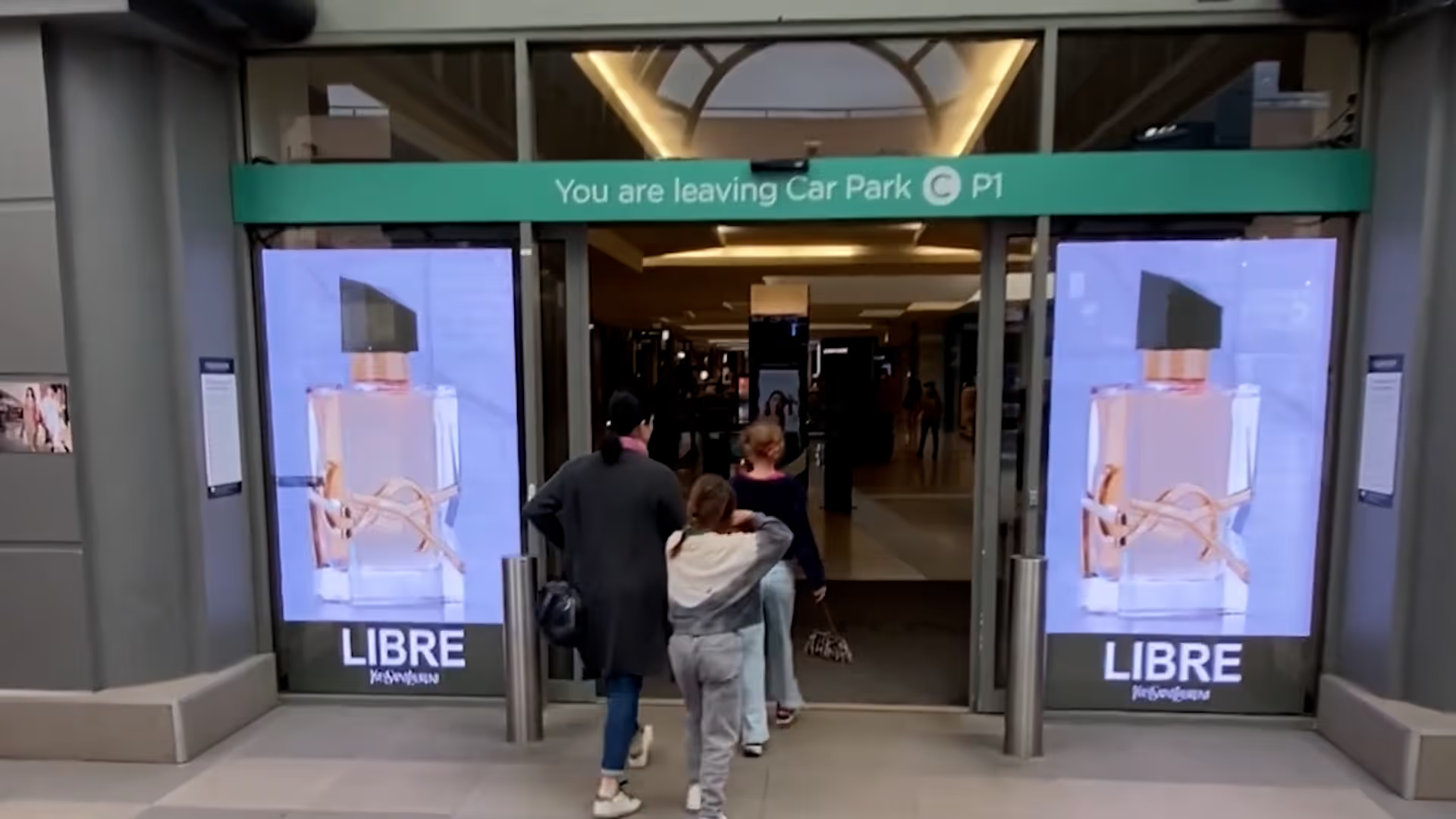
Shopping centres across Brisbane increasingly deploy transparent LED systems for:
- Retail media advertising
- Brand campaigns
- Experiential communication
- Event promotion
- Customer engagement
Transparent LED systems are particularly effective within shopping centres because they provide:
- Premium visual impact
- Architectural integration
- Dynamic communication capability
- Strong customer engagement
Shopping centres increasingly operate as sophisticated media ecosystems where storefront environments become valuable advertising infrastructure.
Automotive Transparent LED Brisbane
Automotive dealerships are one of the fastest-growing applications for transparent LED technology across Brisbane.
Transparent LED allows dealerships to:
- Maintain vehicle visibility
- Deliver dynamic campaigns
- Launch new vehicles
- Create premium showroom experiences
- Support retail media advertising
Transparent LED is particularly effective across:
- Luxury dealerships
- EV showrooms
- Performance vehicle environments
- Premium automotive brands
Dealerships increasingly use storefront glass as both:
- Brand presentation infrastructure
- Advertising infrastructure
simultaneously.
Retail Media & Transparent LED
Retail media is one of the biggest growth drivers behind transparent LED adoption.
Transparent LED environments increasingly support:
- Supplier-funded campaigns
- Dynamic advertising
- Omnichannel retail communication
- Shopping centre media
- Brand partnerships
- Programmatic advertising
Modern transparent LED networks increasingly integrate with:
- Retail media CMS platforms
- Audience analytics
- Proof-of-play reporting
- AI-driven optimisation
- Programmatic advertising systems
Storefront communication environments are increasingly evolving into monetisable retail media ecosystems.
Transparent LED vs LCD Window Displays
Transparent LED and LCD window displays differ significantly.
Transparent LED Advantages
Transparent LED provides:
- Visibility through glass
- Better architectural integration
- Premium visual presentation
- Larger-format scalability
- Strong retail media capability
Transparent LED allows storefront windows to function as both:
- Advertising displays
- Product visibility environments
simultaneously.
LCD Window Display Advantages
LCD displays may provide:
- Lower upfront costs
- Strong close-range clarity
- Simpler smaller-format deployment
Both technologies continue playing important roles across commercial storefront environments.
Brightness & Daylight Visibility
Brightness is one of the most important factors in transparent LED environments.
Transparent LED systems commonly operate between:
- 3,000–6,000 nits
depending on:
- Sunlight exposure
- Storefront orientation
- Viewing distance
- Transparency requirements
High-brightness systems help maintain strong visibility during Brisbane daylight conditions.
Modern transparent LED systems increasingly support:
- Auto-brightness adjustment
- Environmental sensors
- Dynamic optimisation
to improve visibility and energy efficiency.
Architectural Integration
Transparent LED provides significantly stronger architectural integration compared to traditional display systems.
Transparent LED allows businesses to:
- Preserve visual openness
- Maintain natural light
- Integrate communication into architecture
- Create seamless storefront environments
Architects and premium retailers increasingly favour transparent LED because it combines:
- Design flexibility
- Digital communication
- Premium customer engagement
within a single environment.
Transparent LED is increasingly becoming a major feature within modern commercial architecture.
Transparent LED CMS Software
Modern transparent LED environments increasingly rely on cloud-based CMS platforms.
Transparent LED CMS systems commonly support:
- Real-time scheduling
- Multi-site management
- Retail media advertising
- Proof-of-play reporting
- Dynamic campaign delivery
- Device monitoring
- Audience analytics
Businesses increasingly require centrally managed communication environments capable of governing storefront networks across multiple locations.
Modern CMS platforms increasingly function as:
- Retail media operating systems
- Enterprise communication infrastructure
- Advertising ecosystems
Proof-of-Play & Analytics
Modern transparent LED environments increasingly require:
- Proof-of-play reporting
- Audience analytics
- Campaign measurement
- Engagement tracking
- Advertising accountability
Modern proof-of-play systems commonly include:
- Playback logs
- Timestamp reporting
- Screenshot verification
- Device monitoring
Audience analytics increasingly help businesses understand:
- Customer engagement
- Storefront exposure
- Traffic patterns
- Campaign performance
Transparent LED environments increasingly operate as measurable advertising ecosystems.
Programmatic Advertising & Transparent LED
Transparent LED environments increasingly integrate with:
- DSPs
- SSPs
- OpenRTB systems
- Programmatic advertising exchanges
- Audience targeting platforms
These integrations allow advertisers to:
- Purchase campaigns dynamically
- Deliver contextual advertising
- Optimise campaign performance
- Improve omnichannel engagement
Retail media and transparent LED infrastructure are rapidly converging into connected advertising ecosystems.
AI & the Future of Transparent LED
AI-driven systems are increasingly shaping transparent LED environments.
Modern storefront ecosystems increasingly support:
- AI-driven campaign optimisation
- Dynamic advertising
- Audience-triggered messaging
- Predictive scheduling
- AI-generated content
AI-powered environments allow businesses to:
- Improve advertising performance
- Increase customer engagement
- Deliver contextual communication
- Improve operational efficiency
AI-driven optimisation is expected to become increasingly important across future storefront communication environments.
Why Transparent LED is Growing Across Brisbane
Transparent LED adoption continues accelerating across Brisbane due to:
- Retail media growth
- Experience-driven retail
- Premium storefront design
- Automotive digital transformation
- Omnichannel advertising
- AI-driven communication systems
Businesses increasingly recognise that transparent LED infrastructure can provide:
- Stronger customer engagement
- Premium brand presentation
- Advertising monetisation opportunities
- Modern architectural communication
- Better storefront visibility
Transparent LED is becoming one of the most important premium display technologies across modern commercial environments.
Related onQ resources
For deeper planning context, compare this topic with Transparent LED Screens Australia, transparent LED vs LCD window displays, Retail Media Platform Australia, automotive digital signage, LED brightness planning and Digital Signage Australia.
Frequently Asked Questions
Transparent LED is a display technology designed for glass surfaces while maintaining visibility through the display.
Retail, automotive, shopping centre, hospitality, and commercial property environments increasingly use transparent LED technology.
Transparent LED systems commonly operate between 3,000–6,000 nits depending on environmental conditions.
Retailers use transparent LED to create premium storefront communication while maintaining store visibility.
Retail media refers to advertising delivered across retailer-owned digital environments including storefront display networks.
Yes. Modern transparent LED environments increasingly integrate with proof-of-play systems.
Yes. Modern transparent LED environments commonly integrate with cloud-based CMS platforms.
Transparent LED maintains visibility through the glass while LCD displays block visibility.
Yes. Modern transparent LED networks increasingly integrate with programmatic advertising systems.
Related Case Studies


.png)


Digital signage, CMS software, retail media platforms, analytics, and managed services across Australia.
© 2026 onQ Digital. All rights reserved. Website by D&n