
LED Screens Melbourne

Introduction
Commercial LED Screens for Melbourne Retail, Corporate and Outdoor Environments
LED screens in Melbourne are used by retailers, corporate environments, automotive showrooms, hospitality venues and commercial property teams that need high-impact digital communication. From fine-pitch LED video walls in premium interiors to outdoor LED signage and retail media screen networks, the right solution depends on viewing distance, brightness, pixel pitch, installation access and CMS control. This guide explains how Melbourne businesses can choose LED screens, where the technology works best, what specification factors matter, and how onQ supports end-to-end LED projects with hardware, installation, content management software and national support. For the parent pillar, see LED Signage & LED Screens Australia. This page is written for Australian organisations that need practical planning guidance, commercial clarity and a supportable operating model across real store, workplace and public-facing environments, including multi-site teams that need consistent content, reporting, training, governance, service planning, rollout coordination, stakeholder training, content ownership, local approvals and long-term support.
LED Screens for Melbourne Businesses
Melbourne businesses use LED screens for retail impact, corporate communication, automotive showrooms, hospitality, outdoor frontage and managed media networks. The city includes premium shopping precincts, CBD towers, large-format retail, event spaces and high-traffic public environments, so display specification needs to be practical and site-specific.
For the parent pillar, see LED Signage Australia. LED screens in Melbourne should be specified around viewing distance, ambient light, site access, content workflow and long-term support.
Common Melbourne LED Screen Applications
LED technology is flexible, but different environments require different display choices. A retail video wall may need fine pixel pitch and premium creative, while an outdoor frontage screen needs high brightness, weather protection and structural planning.
| Melbourne application | Recommended display type | Specification focus |
|---|---|---|
| Retail flagship | Fine-pitch LED or video wall | Premium image quality and close viewing |
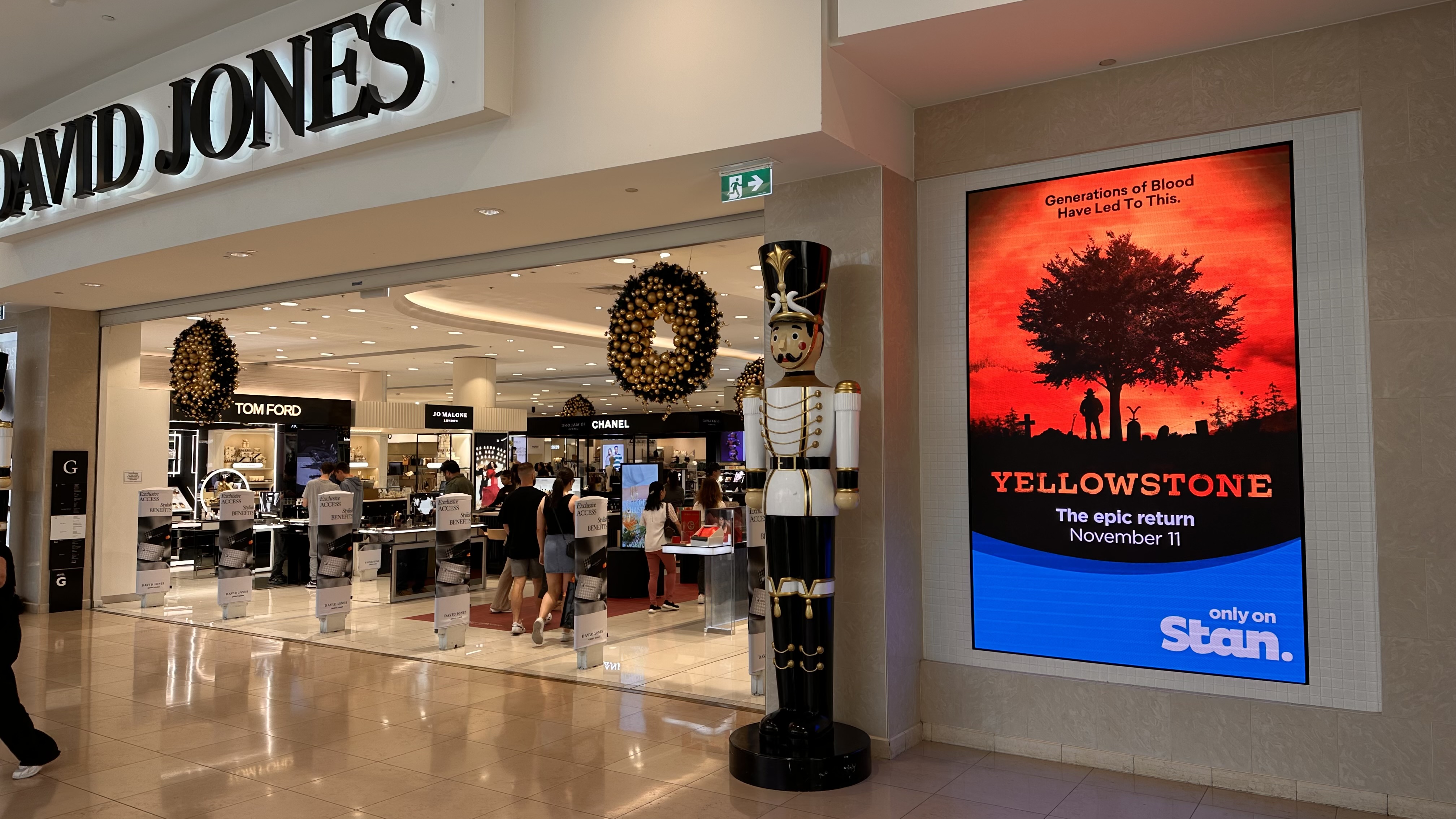
| Shopping centre | LED displays and LCD wayfinding | High traffic, campaign flexibility and support |
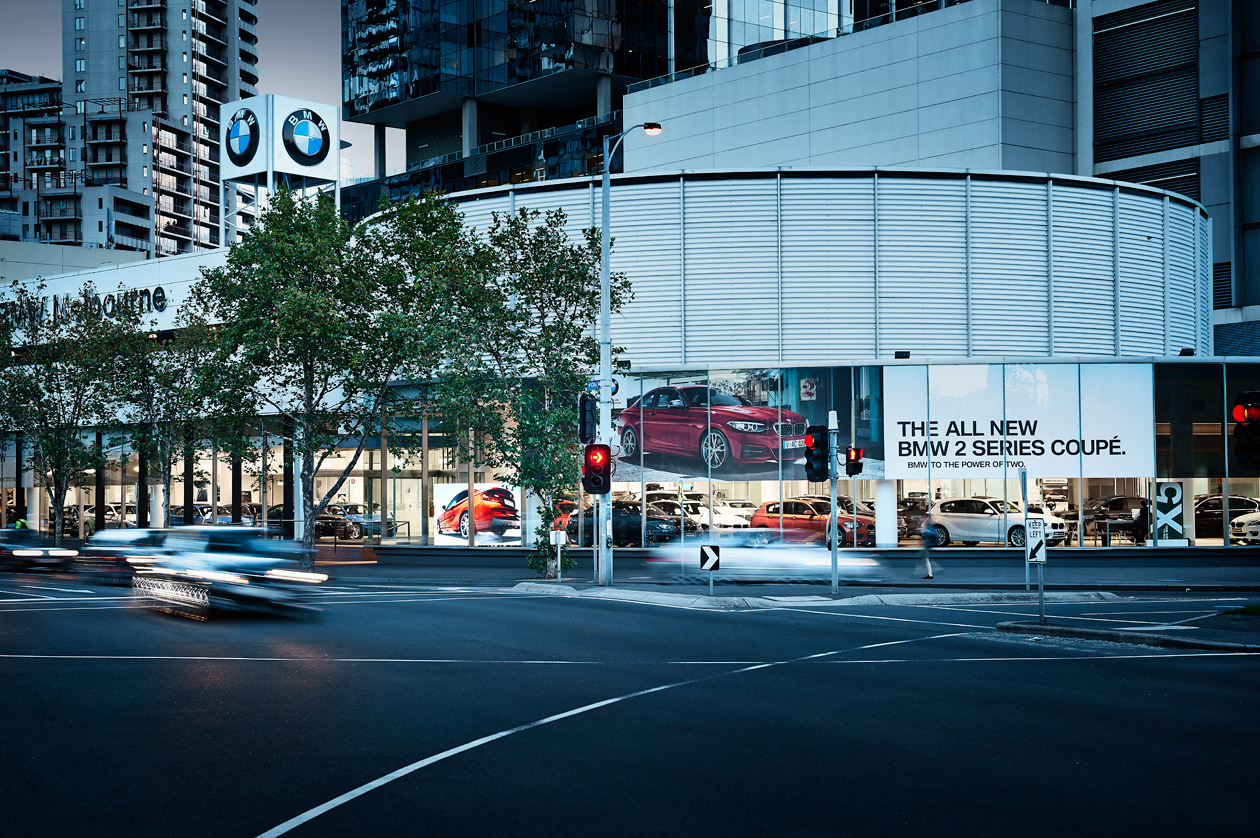
| Automotive showroom | LED wall or large-format LCD | Brand impact and model storytelling |
| Corporate lobby | Fine-pitch LED or LCD | Visual quality and professional finish |
| Outdoor frontage | Outdoor LED signage | Brightness, weather rating and visibility |
| Retail media network | CMS-managed screen groups | Scheduling, proof-of-play and reporting |
Melbourne projects also need strong installation planning because trading hours, tenancy rules, building access and safety requirements can shape the rollout.
Specification Factors
The most important decisions are pixel pitch, brightness, screen size, service access, media player configuration and CMS workflow. These choices determine whether the screen is easy to view, easy to maintain and easy to manage after launch.
| Decision factor | Melbourne consideration | Practical recommendation |
|---|---|---|
| Viewing distance | CBD and shopping centre environments often involve close viewing | Choose pixel pitch based on audience distance |
| Ambient light | Windows and atriums can be bright | Specify brightness and contrast carefully |
| Installation access | Retail and corporate sites may have restricted access windows | Plan staging, safety and commissioning early |
| CMS control | Multi-site operators need central scheduling | Use cloud CMS and screen groups |
| Support | Customer-facing displays need fast issue response | Monitor players and define escalation |
| Content | Premium sites need strong creative | Match creative format to display size and location |
For pixel pitch planning, see What is Pixel Pitch?. For LED and LCD comparisons, see LED vs LCD Displays.
Melbourne Retail Media Opportunities
Retail and venue operators can use LED screens as part of retail media networks when screen inventory, CMS scheduling and reporting are established. A screen that is attractive to customers can also become valuable to suppliers or advertisers when delivery can be verified.
This requires more than a display. The network needs content governance, proof-of-play, reporting and support. For broader media infrastructure, see Retail Media Platform Australia.
onQ Recommendation for Melbourne
onQ recommends starting with the site environment and business objective. A Melbourne LED screen should be specified for the actual viewing distance, ambient light and operating model, not only for screen size. The result is a more reliable and supportable display network.
onQ supports hardware procurement, installation, CMS integration, content scheduling and support for Melbourne and national projects.
Planning the Network Properly
Successful screen networks are planned as operating infrastructure, not as isolated display purchases. The right recommendation depends on the audience, the content workflow, the commercial objective, the installation environment, the support model and the measurement requirements. This is especially important for multi-site Australian organisations where head office, local teams, agencies and suppliers may all interact with the same screen network.
onQ typically starts by clarifying the role of each display. Some screens are designed for brand experience, some for campaign activation, some for wayfinding, and some for retail media. Once that role is clear, the hardware, CMS configuration, content schedule, user permissions and reporting workflow can be aligned to a practical outcome.
Planning should also define what success looks like. A retail network may focus on campaign delivery, supplier participation and proof-of-play. A corporate network may focus on internal communication, visitor experience and brand consistency. A location page may require extra attention to installation access, local operating hours, ambient light and service response. These details influence the final specification just as much as screen size or product category.
When these decisions are made early, the project becomes easier to manage. Stakeholders understand why a specific display type is being recommended, how content will be updated, what reporting will be available and how support will operate after launch. This reduces rework and keeps the screen network aligned with business outcomes.
CMS, Scheduling and Reporting
A centralised CMS gives teams control over what appears on each screen, when it plays and who is allowed to make changes. This matters because manual processes break down quickly when a network grows beyond a few locations. A CMS can group screens by city, store type, format, campaign priority or audience context, giving teams a practical way to scale content operations.
For commercial networks, reporting is just as important as publishing. Proof-of-play, device health, campaign activity and exception reporting give stakeholders confidence that the network is operating as intended. These outputs can support internal communication, supplier-funded campaigns, retail media sales or executive reporting, depending on the use case.
Implementation Considerations
Implementation should address hardware access, cabling, media players, screen mounting, site safety, network connectivity, approval workflows, staff training and support escalation. Each of these details can affect long-term performance. A display that looks impressive on day one still needs a reliable operating model after launch.
For Australian rollouts, national coordination is often required. Different locations may have different trading hours, site access rules, building requirements, ambient light conditions and local operational constraints. A clear rollout plan helps reduce rework and keeps stakeholders aligned during installation, commissioning and ongoing support.
The content plan should be developed at the same time as the technical plan. Teams need to know what creative sizes will be required, who will approve material, how frequently content will change and whether local teams can request updates. Without a content workflow, even the best display infrastructure can become underused.
Installation planning should also consider maintenance access. Media players, cabling and screens should be placed so they can be serviced without unnecessary disruption. This is especially important in customer-facing environments where downtime affects brand presentation, campaign delivery and staff confidence.
Governance and Long-Term Support
Governance defines how the network is controlled. It should cover content approvals, user permissions, brand standards, reporting cadence, campaign escalation and maintenance responsibilities. Without governance, screens can become inconsistent, underused or difficult to report against.
Long-term support should include monitoring, content workflow assistance, reporting review and lifecycle planning. Technology, audience expectations and commercial priorities change over time, so the network should be reviewed regularly. Continuous improvement helps teams adjust content, update screen groups, refine reporting and identify where new displays or software features can add value.
Governance is also important for commercial confidence. If a screen is used for retail media or partner campaigns, stakeholders need to know that the right content played in the right location at the right time. Proof-of-play and clear reporting help turn screen activity into accountable communication rather than assumed exposure.
Support should be easy for site teams to understand. Clear escalation rules, documented ownership and regular review meetings make the network easier to operate. When staff know who to contact and what information to provide, issues can be resolved faster and the display network remains credible.
Commercial Value and Future Expansion
Screen networks often become more valuable after the first deployment because teams learn which content works, which sites need different formats and which reporting outputs matter most. A practical first phase can become the foundation for additional screens, improved media packages, better analytics or new display types.
Future expansion should be based on evidence rather than assumption. Uptime, playback data, content performance, store feedback, maintenance history and campaign demand can all inform the next stage. This is how a display project matures into a managed communication or media platform.
Questions to Resolve Before Launch
Before a project moves into procurement, stakeholders should confirm screen ownership, content frequency, approval rules, reporting expectations, installation constraints and the desired support response. They should also decide whether each screen is intended for customer experience, operational communication, paid media or a combination of these roles.
These answers make the final specification more accurate. They help avoid over-investing in areas that do not need premium technology and under-investing in locations where visibility, uptime or reporting are commercially important.
They also help the project team brief installers, creative teams and internal stakeholders with fewer assumptions. When the commercial goal, content workflow and support pathway are documented, the final network is easier to launch, easier to measure and easier to improve after the first phase is complete.
For executive teams, this creates a clearer investment case. The project can be assessed against communication quality, operational efficiency, campaign delivery, customer experience and future revenue potential rather than being judged only as a hardware purchase, especially when expansion across multiple locations is being considered across states, teams and future campaign requirements over time sustainably.
For location and industry pages, this also supports local decision-making. Teams can compare screen formats, understand which CMS features matter, and decide how each site should contribute to a broader national signage or media strategy across teams.
For city-specific deployments, local context should also be documented. CBD environments, shopping centres, roadside locations, corporate towers and retail precincts can all create different requirements for screen brightness, access, support timing and content approvals. Capturing these differences early makes the national standard more useful rather than less flexible.
It also helps support teams prepare before issues occur. If the network has clear naming conventions, location groups, content owners and escalation pathways, the team can identify problems faster and maintain a better experience for customers, staff and campaign stakeholders across every location, campaign period, screen group and support workflow across departments and future expansion phases successfully together.
Internal Resources for Further Planning
For broader strategy, see Digital Signage Australia, LED Signage Australia, Digital Signage Software Australia, Transparent LED Screens Australia and Retail Media Platform Australia. These pillar resources explain the infrastructure layers that support national signage, retail media and LED display networks.
Related onQ resources
For deeper planning context, compare this topic with LED Signage Australia, retail LED displays, LED brightness planning, pixel pitch, Digital Signage Australia, digital signage in Sydney and outdoor digital signage.
Frequently Asked Questions
LED screens are used for retail, corporate, automotive, hospitality, outdoor signage, shopping centres and retail media networks.
Yes. onQ supports specification, supply, installation, CMS integration and ongoing support for Melbourne projects.
The right pixel pitch depends on viewing distance, screen size and content detail, with closer viewing needing finer pixel pitch.
Yes. Outdoor LED can be used when brightness, weather rating, structure, access and approvals are considered.
LED is often better for seamless large-format displays, while LCD may suit smaller close-viewing screens and meeting rooms.
Yes. A cloud CMS can schedule content, group screens and monitor playback across Melbourne and national locations.
Window-facing displays generally need higher brightness because daylight and glass reflections reduce visibility.
Yes. LED screens can become retail media inventory when connected to CMS scheduling, proof-of-play and reporting workflows.
Lifespan depends on product quality, brightness, environment, maintenance and operating hours.
Retail, automotive, corporate, hospitality, education, transport and public-facing commercial environments commonly use LED screens.
Yes. onQ provides support for CMS, hardware, media players and operational issues after installation.
Look for experience, installation capability, CMS knowledge, support, real project examples and clear specification advice.
Related Case Studies




Digital signage, CMS software, retail media platforms, analytics, and managed services across Australia.
© 2026 onQ Digital. All rights reserved. Website by D&n