
LED Brightness Guide

Introduction
Understanding LED Display Brightness
Brightness is one of the most important factors in commercial LED display performance.
The correct brightness level directly impacts:
- Visibility
- Customer engagement
- Advertising effectiveness
- Retail media performance
- Daylight readability
- Overall visual impact
Businesses deploying LED displays across retail, shopping centre, automotive, corporate, hospitality, stadium, and outdoor advertising environments increasingly require accurate brightness planning to ensure strong display performance.
Modern LED environments are increasingly used for:
- Retail media advertising
- Digital storefronts
- Outdoor communication
- Shopping centre advertising
- Customer engagement
- Enterprise communication
- Dynamic promotional campaigns
As LED infrastructure becomes more integrated into enterprise advertising and communication ecosystems, brightness specification is becoming increasingly important.
Selecting incorrect brightness levels can result in:
- Poor visibility
- Washed-out content
- Reduced customer engagement
- Advertising inefficiency
- Increased operational costs
Understanding how LED brightness works is critical when designing commercial digital signage environments.
What is LED Brightness?
LED brightness refers to the intensity of light produced by an LED display.
Brightness is typically measured in:
- Nits
- cd/m² (candela per square metre)
These measurements are effectively equivalent.
For example:
- 1 nit = 1 cd/m²
Higher nit levels create brighter displays capable of remaining visible in:
- Direct sunlight
- High ambient light environments
- Outdoor conditions
- Retail storefronts
Lower brightness displays are generally suitable for:
- Controlled indoor environments
- Corporate communication
- Close-range viewing
- Low ambient lighting
Brightness is one of the most critical technical specifications within commercial LED environments.
Why LED Brightness Matters
Brightness significantly impacts:
- Visual clarity
- Customer attention
- Advertising visibility
- Retail media engagement
- Daylight readability
- Brand presentation
Displays that are too dim may become difficult to see under strong lighting conditions.
Displays that are excessively bright may create:
- Glare
- Viewer discomfort
- Increased power consumption
- Reduced energy efficiency
Modern LED environments increasingly require balanced brightness strategies aligned with:
- Environment
- Viewing distance
- Customer experience
- Operational efficiency
- Retail media goals
Brightness planning is particularly important across:
- Retail storefronts
- Outdoor advertising
- Shopping centres
- Automotive showrooms
- Public communication environments
LED Brightness Measurement Explained
Commercial LED brightness is measured using:
- Nits
- cd/m²
These units measure how much visible light a display produces across a square metre.
Higher nit ratings provide greater visibility in bright environments.
Typical Brightness Levels
| Environment | Recommended Brightness |
|---|---|
| Corporate indoor | 600–1,000 nits |
| Retail indoor | 800–1,500 nits |
| Shopping centre LED | 1,200–2,500 nits |
| Storefront displays | 2,500–4,000 nits |
| Semi-outdoor | 3,000–5,000 nits |
| Outdoor LED advertising | 5,500–10,000+ nits |
Brightness requirements vary significantly depending on environmental conditions.
Indoor LED Brightness
Indoor LED environments generally require lower brightness levels because they operate within controlled lighting conditions.
Indoor LED systems are commonly used across:
- Retail stores
- Shopping centres
- Corporate environments
- Automotive dealerships
- Experience centres
- Stadium interiors
Typical indoor brightness levels commonly range between:
- 800–1,500 nits
depending on:
- Ambient lighting
- Viewing distance
- Content type
- Environment design
Fine-pitch LED environments often focus more heavily on:
- Image quality
- Contrast
- Resolution
- Customer engagement
rather than extreme brightness.
Outdoor LED Brightness
Outdoor LED displays require significantly higher brightness levels due to direct sunlight exposure.
Outdoor LED systems commonly support:
- Digital billboards
- Retail storefronts
- Roadside advertising
- Stadium signage
- Public communication systems
Outdoor environments commonly require:
- 5,500–10,000+ nits
depending on:
- Sunlight exposure
- Orientation
- Viewing distance
- Traffic conditions
- Environmental factors
High-brightness outdoor LED systems are specifically engineered for strong daylight visibility.
Outdoor LED environments increasingly use:
- Auto-brightness systems
- Environmental sensors
- Dynamic brightness adjustment
to optimise visibility while reducing energy consumption.
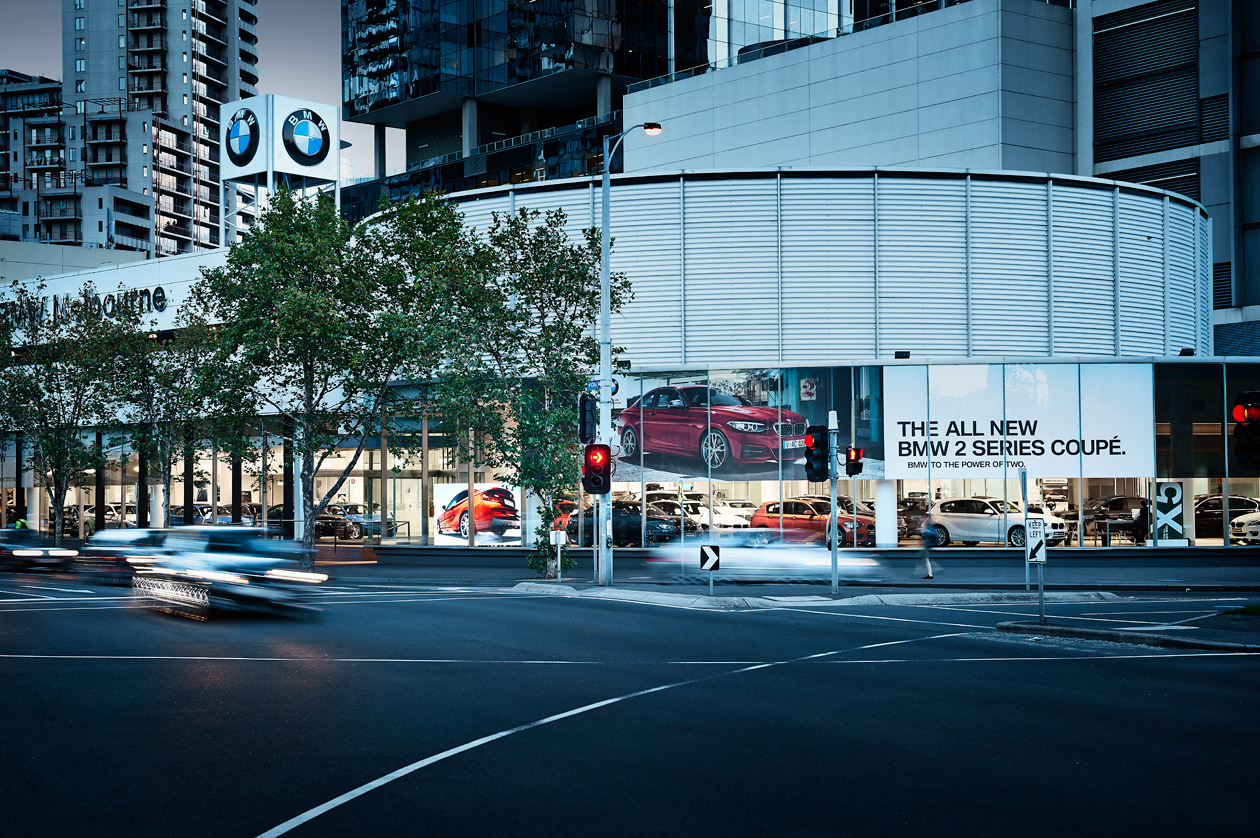
Storefront LED Brightness
Retail storefronts are one of the most demanding LED environments because displays must remain visible against:
- Direct sunlight
- Reflections
- High ambient light
- Competing visual environments
Storefront LED systems commonly operate between:
- 2,500–4,000 nits
depending on:
- Glass orientation
- Sun exposure
- Storefront depth
- Viewing angles
Retailers increasingly use high-brightness LED environments to support:
- Retail media advertising
- Promotional campaigns
- Product launches
- Customer engagement
- Brand storytelling
Brightness plays a major role in storefront visibility and advertising effectiveness.
Transparent LED Brightness
Transparent LED displays commonly operate between:
- 3,000–6,000 nits
depending on transparency requirements and environmental exposure.
Transparent LED environments are increasingly used across:
- Retail storefronts
- Automotive dealerships
- Shopping centres
- Commercial property
Transparent LED systems require careful brightness balancing because:
- Higher transparency can reduce brightness
- Storefront sunlight varies significantly
- Visibility must remain effective during daytime
Modern transparent LED systems increasingly support:
- Auto-brightness adjustment
- Dynamic optimisation
- Environmental calibration
to improve visual performance.
Brightness vs Power Consumption
Brightness directly impacts power consumption.
Higher brightness environments generally require:
- Greater power usage
- Increased heat generation
- More advanced thermal management
Businesses increasingly evaluate LED systems based on:
- Operational efficiency
- Energy consumption
- Sustainability goals
- Heat management
- Long-term operating costs
Modern LED technology increasingly focuses on improving:
- Brightness efficiency
- Power optimisation
- Thermal performance
COB LED technology in particular increasingly promotes:
- Lower power consumption
- Reduced heat exposure
- Improved energy efficiency
within premium fine-pitch environments.
Brightness & Retail Media Performance
Retail media environments rely heavily on strong visibility and customer engagement.
Brightness plays a major role in:
- Advertising visibility
- Customer attention
- Campaign performance
- Audience engagement
- Retail media monetisation
Displays that lack sufficient brightness may struggle to:
- Capture customer attention
- Compete visually
- Deliver strong advertising impact
High-brightness LED environments increasingly dominate:
- Storefront advertising
- Shopping centre media
- Outdoor retail media
- Experiential advertising
Retailers increasingly use brightness as a strategic factor within customer engagement and advertising performance.
Auto-Brightness & Environmental Sensors
Modern LED environments increasingly use:
- Auto-brightness systems
- Ambient light sensors
- Dynamic brightness adjustment
- Environmental calibration
These systems automatically optimise brightness based on:
- Sunlight conditions
- Time of day
- Ambient lighting
- Environmental changes
Auto-brightness systems provide several benefits including:
- Improved energy efficiency
- Reduced glare
- Better customer comfort
- Longer display lifespan
- Lower operating costs
Dynamic brightness optimisation is becoming increasingly important across large-scale enterprise LED environments.
Brightness & Viewing Distance
Brightness and viewing distance work together to determine display performance.
Large-format outdoor advertising environments often require:
- Higher brightness
- Larger pixel pitch
- Longer viewing distance optimisation
Close-range indoor environments often prioritise:
- Fine-pitch resolution
- Image clarity
- Contrast
- Customer comfort
rather than extreme brightness levels.
Brightness should always be considered alongside:
- Pixel pitch
- Viewing angles
- Display size
- Environmental exposure
when designing commercial LED environments.
CMS Software & Brightness Management
Modern CMS platforms increasingly integrate with LED brightness management systems.
Advanced CMS environments may support:
- Scheduled brightness adjustment
- Day/night profiles
- Environmental automation
- Energy optimisation
- Remote display control
Businesses increasingly require central governance across:
- Multi-location LED networks
- Retail media environments
- Shopping centre displays
- Outdoor advertising systems
CMS integration helps improve operational control across large-scale LED environments.
Brightness for Different Industries
Retail
Retail environments commonly require:
- High-impact storefront visibility
- Premium customer engagement
- Strong promotional clarity
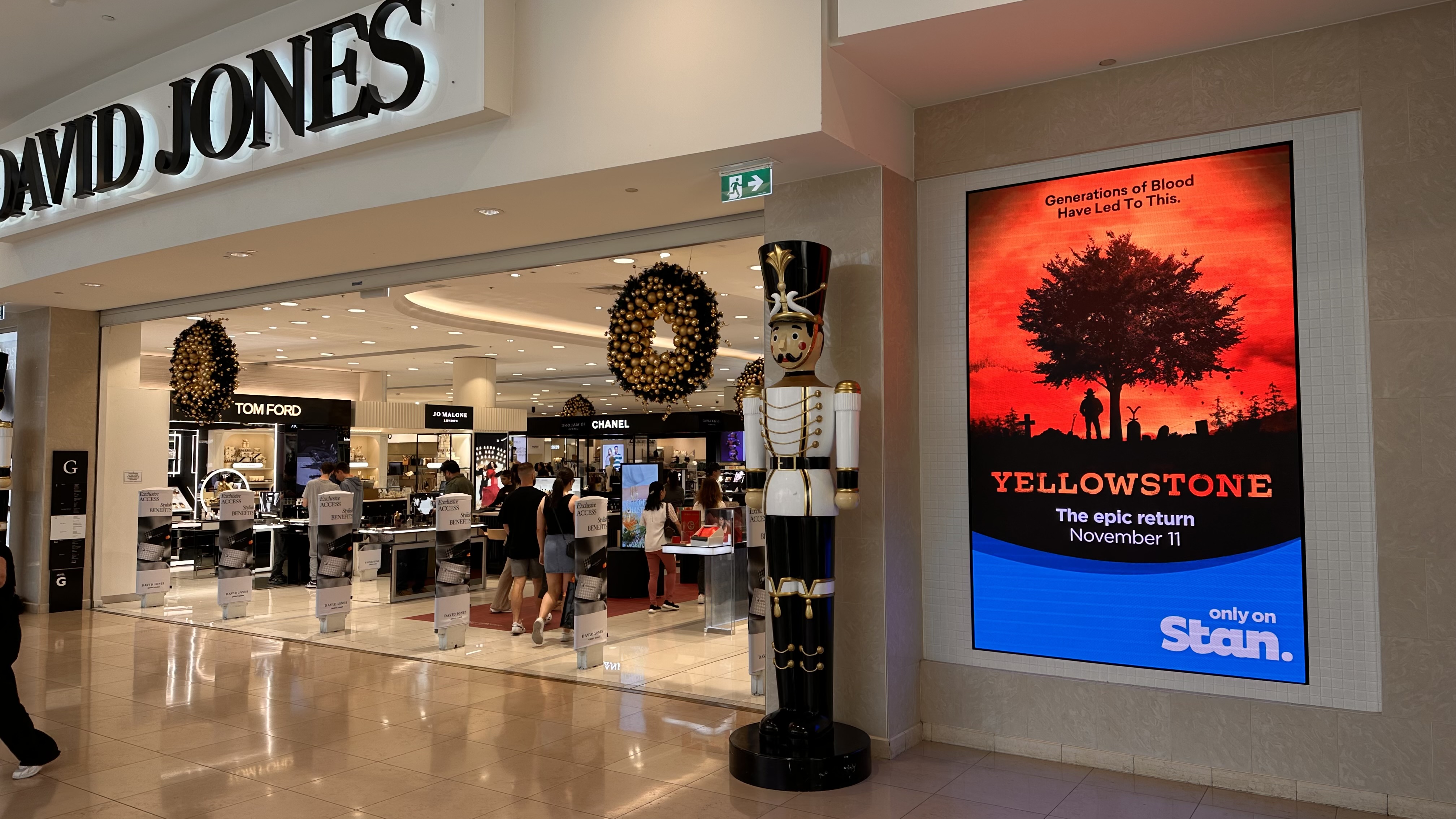
Shopping Centres
Shopping centres commonly use:
- Large-format LED walls
- Retail media networks
- Event advertising displays
requiring strong brightness and visual impact.
Automotive
Automotive environments increasingly use:
- Transparent LED systems
- Showroom feature walls
- High-brightness storefront displays
to create premium customer experiences.
Outdoor Advertising
Outdoor advertising environments require:
- Maximum visibility
- Strong daylight performance
- Long-distance readability
Future of LED Brightness Technology
LED brightness technology continues evolving rapidly.
Future commercial LED systems increasingly focus on:
- Higher efficiency
- Lower power consumption
- Better thermal management
- AI-driven optimisation
- Dynamic environmental adjustment
As retail media and digital signage infrastructure continue growing across Australia, brightness optimisation will remain one of the most important factors in commercial display performance.
Related onQ resources
For deeper planning context, compare this topic with outdoor digital signage, pixel pitch, LED Signage Australia, LED vs LCD displays, Transparent LED Screens Australia, retail LED displays and LED screens in Melbourne.
Frequently Asked Questions
Nits are a measurement of display brightness equal to candela per square metre (cd/m²).
Indoor LED environments commonly operate between 800–1,500 nits depending on conditions.
Outdoor LED displays commonly require 5,500–10,000+ nits for strong daylight visibility.
Storefront environments commonly require 2,500–4,000 nits depending on sunlight exposure.
Transparent LED systems commonly operate between 3,000–6,000 nits.
Yes. Higher brightness generally increases power usage and heat generation.
Auto-brightness systems automatically adjust display brightness based on environmental lighting conditions.
Brightness improves advertising visibility, customer engagement, and campaign effectiveness.
Yes. Modern CMS platforms increasingly support brightness scheduling and remote control.
Retail media, storefront advertising, and outdoor digital signage increasingly require strong daylight visibility and customer engagement.
Related Case Studies




Digital signage, CMS software, retail media platforms, analytics, and managed services across Australia.
© 2026 onQ Digital. All rights reserved. Website by D&n