proof-of-play

What is Proof-of-Play? Digital Signage Verification Explained

onQ CMS digital signage software dashboard for Australian screen networks

Introduction

Digital Signage Verification for Retail Media and Enterprise Networks

Proof-of-play is the reporting layer that verifies digital signage content has played as scheduled. For retailers, advertisers and enterprise screen networks, it provides the evidence needed to confirm campaign delivery, support billing, identify playback issues and improve accountability. In retail media environments, proof-of-play is especially important because brands are paying for access to screen inventory and need confidence that booked campaigns were delivered. It does not replace audience measurement or attention metrics, but it creates the foundation for trustworthy reporting. This guide explains what proof-of-play is, how it works, why it matters for advertisers and retailers, how it relates to IAB-style accountability concepts, and how onQ CMS supports proof-of-play for digital signage and in-store retail media networks across Australia. For the parent pillar, see Digital Signage Software & CMS Platform Australia. The guidance is written for Australian organisations that need centralised control, measurable outcomes and practical support across real commercial environments.

onQ CMS digital signage software dashboard for Australian screen networks

What is Proof-of-Play?

Proof-of-play is a verification record showing that digital signage content played on a particular screen, at a particular location, at a particular time. In simple digital signage, it confirms operational delivery. In retail media, it becomes a commercial reporting layer because advertisers and suppliers need evidence that booked campaigns ran as agreed.

Proof-of-play does not automatically prove that a person saw the content. It confirms that the content was delivered by the screen network. Audience measurement, impressions and attention require additional methodology. That distinction is important for retailers building accountable media products.

How Proof-of-Play Works

Proof-of-play usually begins with a campaign schedule in the CMS. The platform assigns an asset to screens, locations and time windows. The media player then records playback events when the asset is displayed. Those logs are synchronised back to the CMS, where reporting can be reviewed or exported.

LayerWhat it confirmsWhy it matters
CMS scheduleCampaign was planned for selected screens and timesEstablishes intended delivery
Player logContent file was triggered locallyCreates playback evidence
Screen/location mappingWhere the asset was assignedSupports retailer and advertiser reporting
Exception reportingOffline players, missed plays or errorsHelps teams resolve gaps
Export/reportCampaign delivery summarySupports reconciliation and billing

A well-designed proof-of-play workflow depends on clean screen naming, accurate location mapping, reliable media players and clear campaign IDs. If those foundations are weak, reports can become difficult to reconcile. Enterprise networks need governance as much as software.

Why It Matters for Advertisers and Retailers

Advertisers want confidence that their paid creative was delivered. Retailers want confidence that supplier-funded campaigns can be billed, reconciled and supported with evidence. Proof-of-play gives both sides a shared delivery record and reduces disputes about whether a campaign ran.

For retailers, proof-of-play also supports network operations. Missed plays, offline devices and content errors can be identified and addressed. This turns the screen network into a managed media environment rather than a loose collection of displays.

IAB Concepts and Media Accountability

IAB frameworks for digital media emphasise transparency, accountability and consistent measurement language. In physical retail media, proof-of-play is one foundational input into that accountability model. It should be treated as delivery verification rather than a complete audience metric.

MetricProof-of-play roleMeasurement limitation
Playback countConfirms number of playsDoes not equal audience
DurationShows how long creative ranDoes not prove attention
LocationConfirms site or screen groupNeeds accurate screen mapping
TimestampConfirms timingRequires reliable device clock
Campaign IDLinks play to advertiser bookingRequires clean campaign naming

Retailers should be careful not to overclaim. A playback log is not the same as a verified impression or attention event. It is the reliable base record that other measurement layers can build on.

Retail Media Measurement and Campaign Reporting

In-store retail media measurement typically combines several layers. Proof-of-play verifies content delivery. Store traffic or audience models estimate opportunity to see. Sales or transaction data can support commercial analysis when privacy and methodology allow. Together, these layers help retailers explain campaign delivery and potential impact.

Campaign reports should be designed for both media teams and advertisers. A strong report includes campaign dates, screens, locations, play counts, exceptions and notes on methodology. This helps commercial teams sell with confidence and helps operations improve network performance.

How onQ CMS Delivers Proof-of-Play

onQ CMS supports proof-of-play as part of an enterprise digital signage and retail media workflow. The platform can manage screen groups, campaign schedules, content delivery and playback reporting across digital signage networks. For the parent pillar, see Digital Signage Software Australia.

onQ’s value is not only the report. It is the connection between CMS configuration, media players, screen hardware, installation, support and campaign operations. This integrated model helps Australian retailers and enterprise clients build networks that are easier to verify and support.

Implementation Checklist

Before using proof-of-play commercially, the network should have accurate screen inventory, consistent naming, tested players, campaign taxonomy and a clear reporting cadence. The business should define who owns campaign setup, who checks exceptions and how advertisers receive reports.

Proof-of-play becomes more valuable when it is part of a disciplined operating model. Without workflow ownership, even a capable CMS can produce inconsistent reporting. With the right process, it becomes a key pillar of retail media accountability.

Implementation Considerations

For Australian enterprise deployments, the practical operating model is as important as the technology choice. Teams should define screen ownership, content approvals, reporting cadence, support escalation, naming conventions and campaign responsibilities before launch. This reduces manual work, protects brand consistency and helps each screen network remain useful after installation.

onQ approaches these projects as managed infrastructure rather than isolated display purchases. That means content workflows, CMS configuration, media players, installation access, support processes and measurement outputs are considered together. A clear implementation model gives retailers, brands and internal teams more confidence in long-term performance.

Commercial Governance

Governance is the difference between a useful screen network and a collection of disconnected displays. Every organisation should define who can publish content, who approves campaign material, which screens belong to which business units and how urgent updates are handled. These rules prevent local errors, reduce brand risk and help teams move quickly without losing control.

For retailers and advertisers, governance also protects commercial value. Media inventory must be clearly named, campaign windows must be controlled and reporting should be consistent enough for internal teams, suppliers and agency partners to understand. A centralised CMS, strong naming conventions and disciplined support workflows make the channel more credible.

Operational Rollout

A practical rollout usually starts with priority locations, representative screen formats and a clear content plan. This allows the organisation to test workflows, confirm reporting, refine content templates and train users before scaling nationally. Early operational learnings often influence later screen placement, creative formats and campaign packages.

Support planning should be documented before launch. Teams need to know how device issues are detected, who checks exceptions, how content errors are corrected and how performance is reviewed. When support is planned from the beginning, the network is easier to maintain and more likely to deliver value over time.

Measurement and Continuous Improvement

Measurement should be treated as an operating discipline rather than a once-off report. Playback data, campaign activity, screen uptime, store context and stakeholder feedback all help improve future decisions. Even when the primary goal is communication rather than paid media, measurement helps teams understand whether the network is being used effectively.

onQ recommends reviewing the network regularly after launch. Content that works in one environment may not work in another, and campaign expectations often change as stakeholders see what the screens can do. Regular review keeps the system aligned with business outcomes, technology capability and customer experience.

Stakeholder Alignment

Successful projects also need alignment between marketing, operations, IT, store teams, agencies and commercial stakeholders. Each group sees the network differently. Marketing focuses on message quality, operations focus on practical delivery, IT focuses on reliability and security, while commercial teams focus on reporting, revenue and campaign confidence.

Clear roles reduce conflict. The project should define who owns content standards, who manages CMS access, who approves external campaigns, who responds to screen issues and who reviews performance. When these responsibilities are agreed early, the network becomes easier to scale and easier to improve.

Why the Standard Process Matters

The same standard process applies across onQ support pages and live projects: choose the right infrastructure, document the workflow, connect the CMS correctly, link reporting to business goals and maintain the system after launch. This approach avoids short-term fixes that create long-term operational drag.

For clients, the practical benefit is confidence. They know what the system is meant to do, who is responsible for each part and how outcomes will be checked. That is especially important when screens support advertiser campaigns, customer communication or high-visibility brand environments.

Questions to Resolve Before Launch

Before a network or campaign goes live, stakeholders should agree on the purpose of each screen, the required content formats, the update frequency, reporting expectations and escalation pathway. They should also confirm whether the system is intended for internal communication, customer experience, advertising revenue or a combination of all three.

These decisions shape the technical specification. A network designed for paid media needs stronger proof, scheduling and campaign controls than a simple information display. A premium storefront needs different creative and brightness planning from an internal staff screen. Resolving these questions early helps the final recommendation match the commercial goal.

Long-Term Support Model

Long-term support should cover hardware, software, content workflow and reporting. Screens need maintenance, players need monitoring, users need training and reports need regular review. When these responsibilities are clearly assigned, the network can keep improving instead of slowly drifting out of date.

The support model should also include review moments after launch. A first-month review can identify training gaps, content issues or reporting improvements. A quarterly review can assess whether the network still reflects campaign needs, customer behaviour, retailer priorities and stakeholder expectations. This cadence keeps the system commercially relevant.

It also gives leadership a clearer view of whether the investment is supporting communication, sales, media revenue or operational efficiency. That clarity helps future budget decisions and keeps the screen network aligned with measurable business outcomes.

For complex networks, this ongoing review is often where the strongest gains are found, because small improvements compound across locations, campaigns and reporting cycles. It also gives the organisation a clearer path for future optimisation, staff training and content planning over time across teams.

Frequently Asked Questions

What is proof-of-play?

Proof-of-play is a digital signage report confirming that specific content played on selected screens at scheduled times.

How does proof-of-play work?

The CMS or media player logs playback events, timestamps, screen identifiers and campaign details, then makes that data available for reporting.

Why does proof-of-play matter for advertisers?

Advertisers need evidence that booked creative was delivered across the planned screen network, locations and time periods.

Why does proof-of-play matter for retailers?

Retailers use proof-of-play to manage supplier-funded campaigns, protect revenue, confirm compliance and improve operational confidence.

Is proof-of-play the same as impressions?

No. Proof-of-play confirms content delivery, while impressions estimate how many people may have had an opportunity to see the content.

Can proof-of-play support retail media billing?

Yes. Proof-of-play provides campaign delivery evidence that can support billing, reconciliation and advertiser reporting.

What data is included in proof-of-play?

Typical data includes campaign name, asset ID, screen, location, date, time, duration and playback status.

Does proof-of-play prove attention?

No. It verifies playback. Attention measurement requires additional audience, dwell or sensor-based data.

How accurate is proof-of-play?

Accuracy depends on the CMS, player logs, connectivity and monitoring configuration. Enterprise systems should include audit-ready timestamps.

Does onQ CMS provide proof-of-play?

Yes. onQ CMS can deliver proof-of-play reporting for managed digital signage and retail media screen networks.

Can proof-of-play be exported?

Proof-of-play can be exported or reported depending on the campaign, CMS configuration and reporting workflow.

How does proof-of-play relate to IAB concepts?

It supports media accountability by documenting delivery, while audience measurement and impressions require additional methodology.

What you need to know

Frequently Asked Questions

What is proof-of-play?

Proof-of-play is a digital signage report confirming that specific content played on selected screens at scheduled times.

How does proof-of-play work?

The CMS or media player logs playback events, timestamps, screen identifiers and campaign details, then makes that data available for reporting.

Why does proof-of-play matter for advertisers?

Advertisers need evidence that booked creative was delivered across the planned screen network, locations and time periods.

Why does proof-of-play matter for retailers?

Retailers use proof-of-play to manage supplier-funded campaigns, protect revenue, confirm compliance and improve operational confidence.

Is proof-of-play the same as impressions?

No. Proof-of-play confirms content delivery, while impressions estimate how many people may have had an opportunity to see the content.

Can proof-of-play support retail media billing?

Yes. Proof-of-play provides campaign delivery evidence that can support billing, reconciliation and advertiser reporting.

What data is included in proof-of-play?

Typical data includes campaign name, asset ID, screen, location, date, time, duration and playback status.

Does proof-of-play prove attention?

No. It verifies playback. Attention measurement requires additional audience, dwell or sensor-based data.

How accurate is proof-of-play?

Accuracy depends on the CMS, player logs, connectivity and monitoring configuration. Enterprise systems should include audit-ready timestamps.

Does onQ CMS provide proof-of-play?

Yes. onQ CMS can deliver proof-of-play reporting for managed digital signage and retail media screen networks.

Can proof-of-play be exported?

Proof-of-play can be exported or reported depending on the campaign, CMS configuration and reporting workflow.

How does proof-of-play relate to IAB concepts?

It supports media accountability by documenting delivery, while audience measurement and impressions require additional methodology.

Our work in this area

Related Case Studies

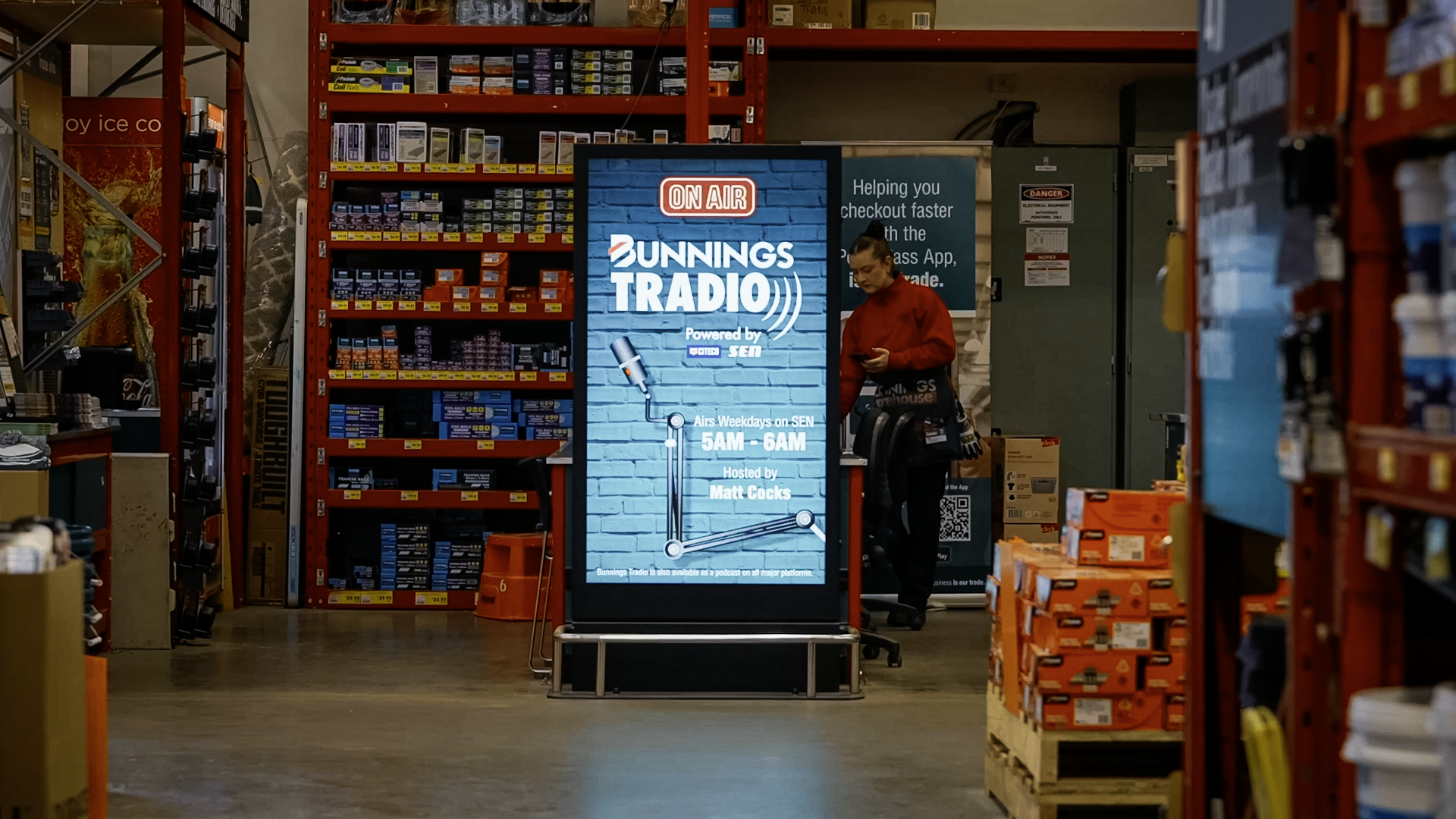
Bunnings Hammer Media Retail Signage Rollout digital signage installation by onQ Digital Group
Bunnings, Hammer Media Retail Signage Rollout

300 LCD screens and digital kiosks across 150 Bunnings warehouses nationwide, powering the Hammer Media retail media network.

View Case Study
David Jones Chatswood Digital Signage Network digital signage installation by onQ Digital Group
David Jones, Chatswood Digital Signage Network

Comprehensive digital signage network for David Jones Chatswood, including transparent screens, LCD displays, and large format LED screens.

View Case Study
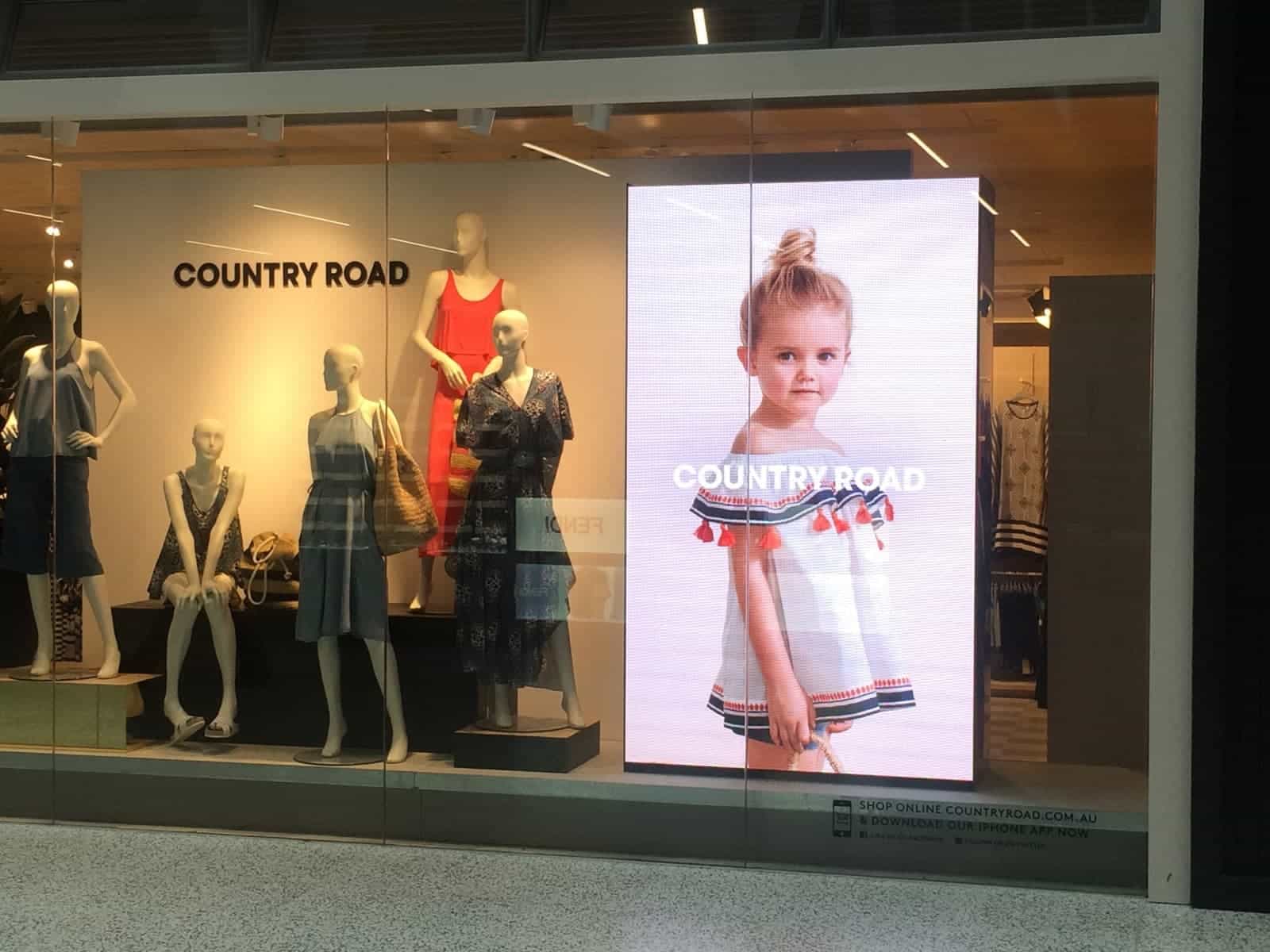
Country Road T4 Airport Melbourne digital signage installation by onQ Digital Group
Country Road - T4 Airport Melbourne

onQ Digital installed premium commercial-grade digital signage for Country Road at Melbourne Airport Terminal 4, creating an engaging brand touchpoint for travellers.

View Case Study
7-Eleven Storefront Digital Signage Upgrade digital signage installation by onQ Digital Group
7-Eleven, Storefront Digital Signage Upgrade

Nationwide storefront digital signage upgrade for 7-Eleven Australia, deploying ultra-high brightness double-sided window displays.

View Case Study
Macquarie University Campus Digital Signage digital signage installation by onQ Digital Group
Macquarie University, Campus Digital Signage

Large format LED screen at Macquarie University Sydney campus, transforming campus communication with dynamic real-time information delivery.

View Case Study